There is no single best AI. Each one has real strengths and real downsides, and the right pick depends on what you actually need it for.
ChatGPT
Benefits
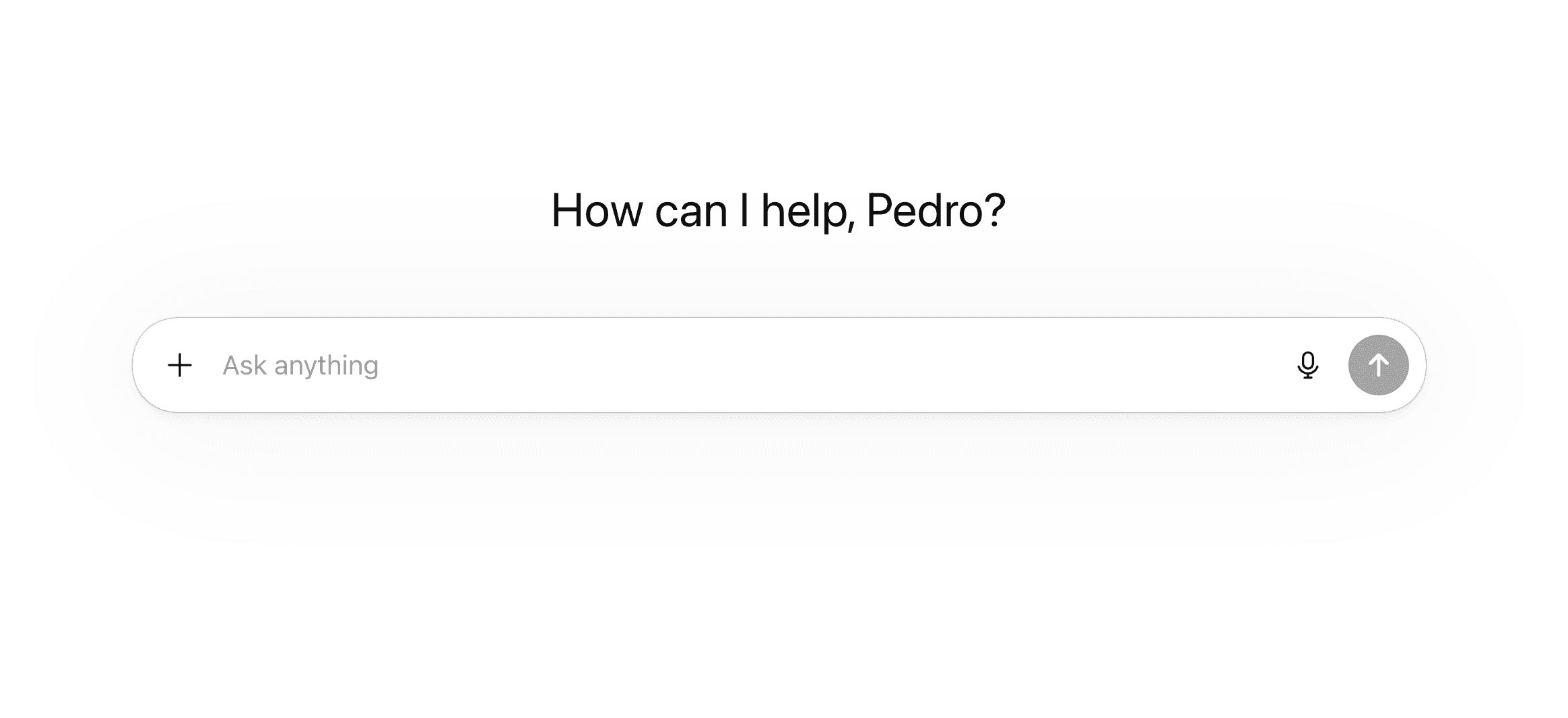
ChatGPT has more features than any other AI chat app right now. Projects, deep research, agent mode, image generation, voice mode, canvas, Codex (an autonomous coding agent included in the Pro subscription) — the list keeps going. It also connects to a huge number of third-party apps, so you can browse the web, analyze files, run code, and plug into external tools without leaving the conversation. On top of that, it remembers your preferences across sessions and gets better the more you use it.
When it comes to reasoning and complex, multi-step problem solving, ChatGPT is consistently one of the strongest options available.
Drawbacks
The conversational experience can feel flat. Responses often come across as generic or templated, especially if you don't put effort into your prompts. Default outputs tend to be mediocre — the quality ceiling is high, but you have to work for it. It also still hallucinates confidently, particularly on niche or very recent topics.
Claude
Benefits
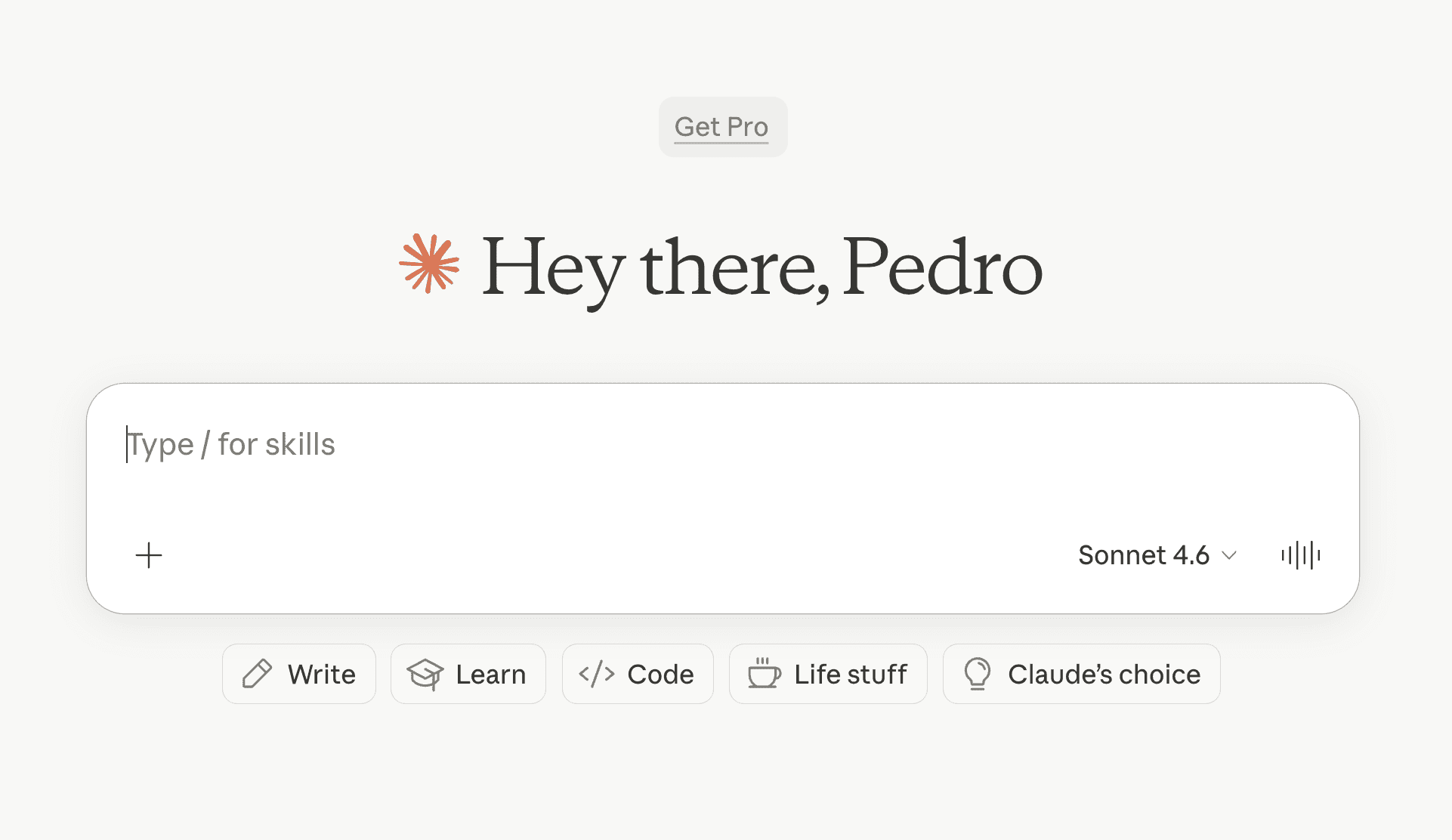
Claude is probably the nicest AI to just talk to. Responses feel thoughtful, natural, and genuinely smart. If you're not paying for ChatGPT's Pro plan, Claude's free and Plus tiers can honestly give you a better day-to-day experience for less money.
Where Claude really pulls ahead is integrations. Through MCP, it connects to significantly more platforms and services than ChatGPT does — it's the strongest option right now for plugging AI into your existing tools and workflows. It's also excellent with long documents (200K+ token context), so you can upload entire codebases, contracts, or research papers and get useful results. Claude Code, its dedicated coding tool, is one of the best available.
Drawbacks
Claude can't browse the web in real-time — you have to bring the information to it. There's no built-in image generation either, and the overall feature set is smaller than what ChatGPT offers.
Gemini
Benefits
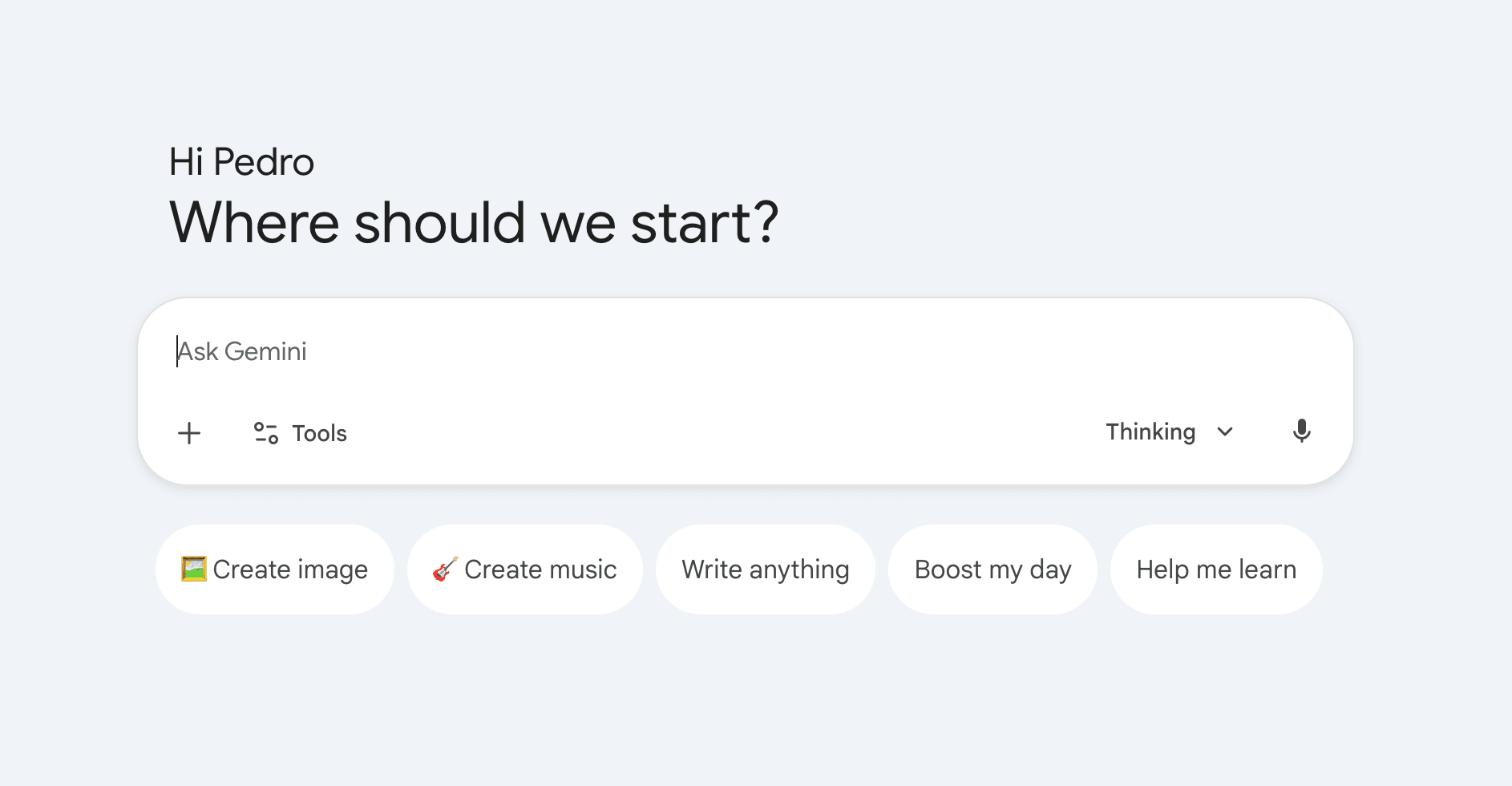
Gemini is one of the smartest models out there — raw intelligence is genuinely top-tier. A lot of people also prefer its conversational tone and teaching style, which tends to feel more approachable than other options. If you're deep in the Google ecosystem (Gmail, Docs, Drive), Gemini works natively inside those tools, which makes it easy to adopt without changing how you work. It handles text, images, audio, and video well, and the free tier is surprisingly generous.
Drawbacks
As a chat app, Gemini is one of the weakest in terms of features. Compared to ChatGPT or even Claude, there's much less you can actually do inside it. Response quality can also be inconsistent — sometimes sharp, sometimes way off. And using it means feeding more of your data into Google's ecosystem, which is worth considering.
Perplexity
Benefits
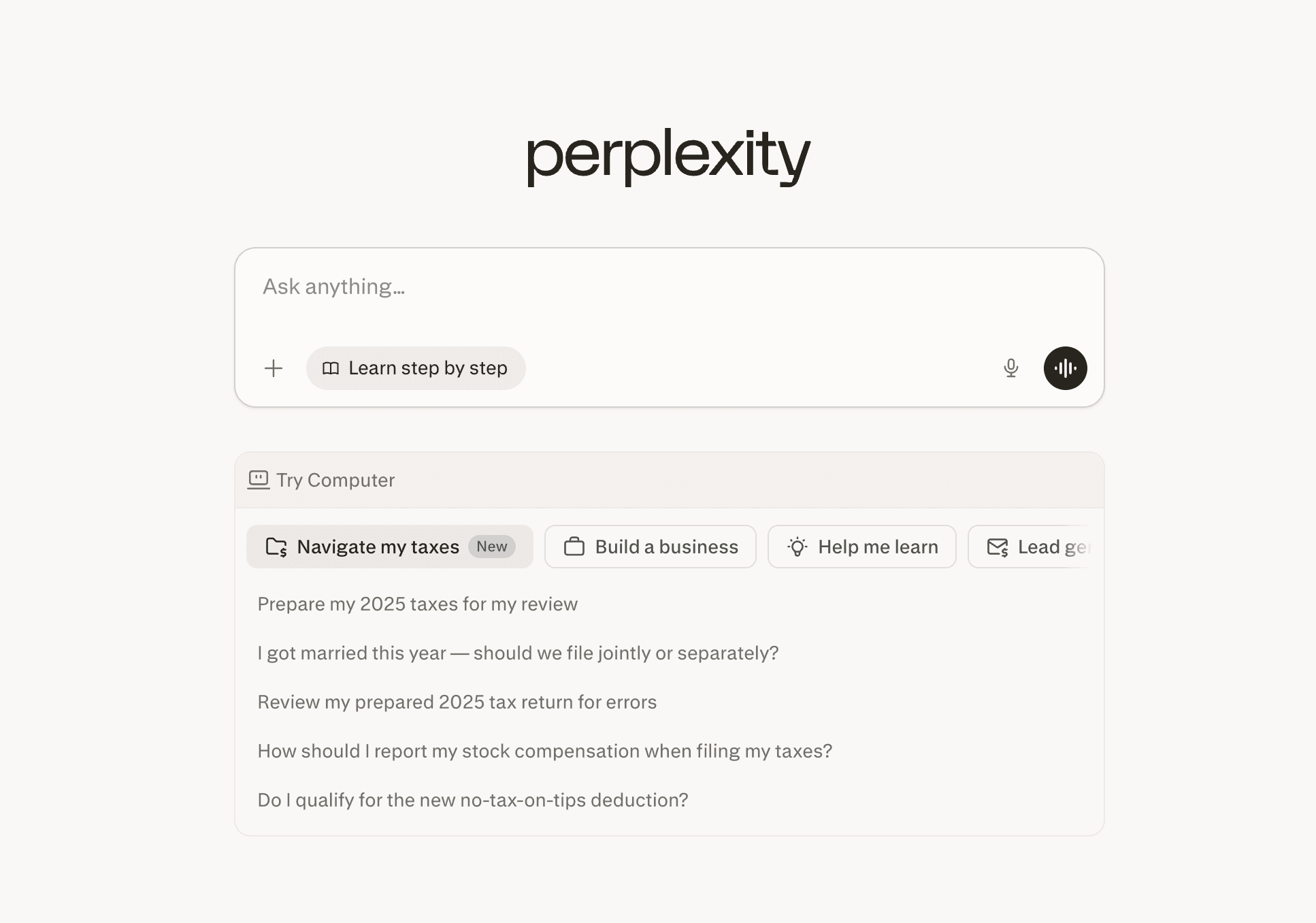
Perplexity is the best tool for research. Every answer comes with real-time web citations, so you can actually verify what it tells you — and because it's grounded in live search results, it hallucinates far less than the others. It's also a multi-model platform, meaning you can access ChatGPT, Claude, and Gemini models all in one place while also doing research. Recently, Perplexity launched a computer-use feature that lets an AI agent do work on your machine, which opens up a whole new category of use.
Drawbacks
Almost everything beyond basic search requires a paid subscription — the free tier is very limited. The computer-use features are expensive on top of that. And if your goal is having a conversation with an AI or doing creative work, Perplexity isn't really built for that. It's a researcher, not a chat companion.
Which One Should You Use?
- Most features in one place → ChatGPT
- Smartest, most pleasant to talk to → Claude
- AI inside your Google workflow → Gemini
- Fast, accurate, sourced research → Perplexity
What matters most is whether you're using AI consistently and with a clear system. Knowing which tool is best for what only helps if you're actually building habits around it.
Disparity helps you do exactly that. It diagnoses your AI skill level, gives you a personalized 30-day challenge, tracks your progress, rates 60+ tools, and teaches you the right skills in order — so you build real momentum instead of guessing.